When Social Media Feels Broken: A Week in Digital Marketing

When Posting More Feels Like Losing Ground

This week has been a bit of a slog on the social media front.


You know that feeling when you post more consistently, try harder, show up again, and somehow your follower count goes down? That’s been my relationship with Instagram lately. With only 87 followers, it’s hard not to notice every single drop. When your numbers are small, every unfollow feels personal.


A few years ago, I knew someone who used one of those apps that automatically follows people for you. I’ll admit, with my “humble” numbers, I briefly considered it. But instead of chasing growth shortcuts, I decided to do something that actually aligns with how I work: make a proper commercial.


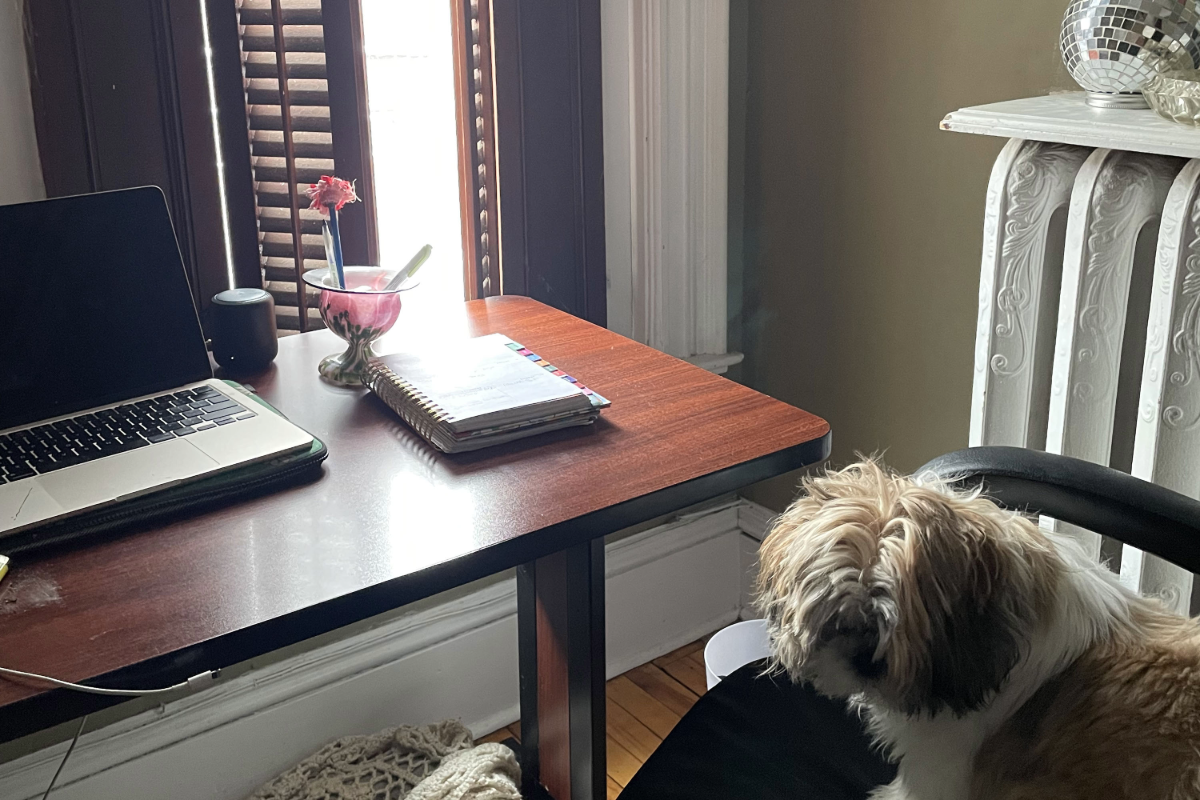
Ironically, a 12-second ad takes a lot more than 12 seconds to make. First, there’s the hair. Then lipstick. Then reality sets in. I’ve spent most of the week caring for my newly neutered dog, and “camera ready” just isn’t happening. Some weeks are like that.


The Quiet Wins Matter More Than the Algorithm

While social media was being… social media, there were real wins happening behind the scenes.

One of the most important: I fixed my Google My Business category. This sounds small, but it’s huge. Having the wrong business category can seriously mess with your visibility. I’m a website designer and a marketing agency, and if Google doesn’t understand that, it affects how (and if) you show up in search results. This is the unglamorous side of digital marketing that Saint John businesses often overlook, but it matters.


It’s also where New Brunswick SEO really lives: not in hacks, but in getting the fundamentals right.


Websites, Data, and Local Search Curiosity

I’m nearly finished a website for a burger restaurant in Grand Bay, and I can’t wait to dig into the data once it’s live. What are people searching for in that area? How are they finding local food spots? This kind of local search insight is what turns a nice-looking website into a working one.


It’s the same mindset I bring to logo design projects in Saint John. Design is important, but strategy is what gives it longevity.


A Newsletter, Finally (Woohoo)

I also sent out a newsletter this week. Honestly? That’s something I’ve been meaning to do forever. It’s not flashy, but it’s consistent, owned, and not at the mercy of an algorithm having a bad day. Small step, big relief.

On the technical side, I finally wrapped my head around Google Merchant Center. If you sell products (physical or digital) this lets them appear directly in Google’s Shopping results. I’m currently testing it with my digital downloads and art to see how it performs.


Looking Ahead (and Simplifying)

Next week, I’m looking forward to blogging more and working on videos for Brandon. The topic of invisible disabilities genuinely interests me, and I’m excited to see what the data reveals once his site is fully moved off Durable. 


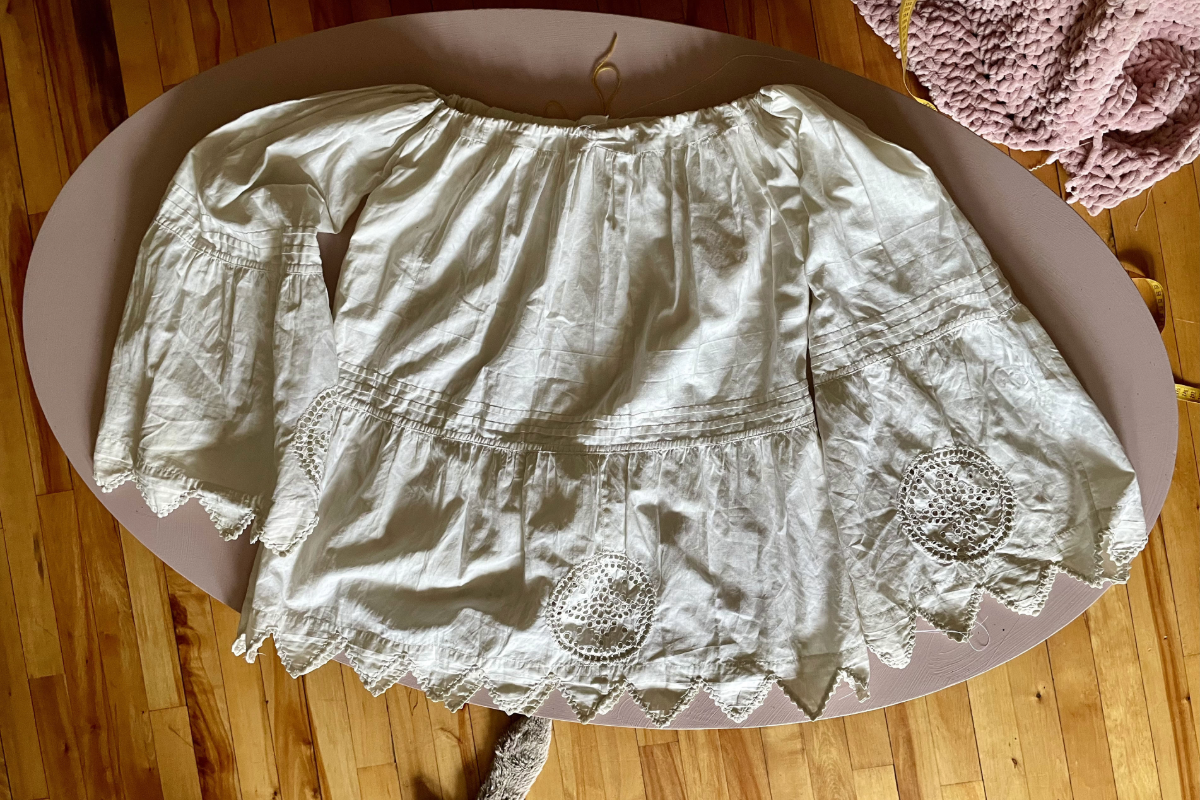
On a completely different note, I’m planning to snail-mail some vintage scarves to my closest friends. Downsizing feels right lately. Fewer things, fewer distractions—and a reminder that real connection doesn’t live online. It lives in small, thoughtful gestures and the people who’ve been there all along.

SEO in Saint John and Why Search Still Matters

Customers Are Still Looking For You On Google

This past week was a week of small adjustments, client conversations, tool testing, and watching patterns repeat themselves, especially when it comes to how people search for businesses online.

Between reviewing client sites, refining my own offerings, and building out a website audit PDF that actually makes sense to non-marketers, one thing kept coming up again and again: new customers are still turning to Google first. 


The Numbers Don’t Lie

Despite all the talk about AI, social platforms, and “new” discovery tools, search behaviour is surprisingly consistent.

Studies continue to show that roughly 90% of consumers use Google or another search engine to find local businesses, and a significant portion of those searches happen with clear intent – phrases like near me, open now, or best option in my area. In other words, people aren’t casually browsing. They’re looking for solutions.

For local businesses in particular, that means showing up in search results still matters, a lot. Whether someone is typing website design saint john nb or seo saint john, they’re usually not window-shopping. They’re trying to solve a problem.


What I Noticed While Auditing Real Websites

This week involved several website reviews, some for clients and some just out of curiosity. What stood out wasn’t a lack of effort. Most businesses clearly care about their websites. The issue is usually clarity.

Common patterns I saw:

  • Pages that look nice but don’t explain what the business actually does

  • Homepages missing clear location signals

  • No obvious call to action

  • Great content buried three clicks deep

  • No understanding of how Google reads a page versus how humans do

That’s exactly why I created the website audit PDF. Not as a technical teardown, but as a practical checklist that helps business owners spot gaps without feeling overwhelmed or talked down to.


Tools That Quietly Did the Heavy Lifting

A lot of this week was spent inside tools that most people never see—and probably never want to. Keyword planners, analytics dashboards, site crawlers, heatmaps. Nothing glamorous, but they tell the truth.

They consistently confirm that local intent searches are steady, and competition is often lighter than people expect, especially in regional markets like Saint John. Ranking for seo saint john or website design saint john nb isn’t about gaming the system. It’s about the basics done well, consistently.

Clear structure. Useful content. Accurate information. Pages that load quickly and make sense.


Why Small Fixes Compound Over Time

One of the biggest misconceptions about SEO and website design is that results should be instant. In reality, it’s closer to compound interest. A better page title here. Clearer headings there. One helpful blog post answering a real question.

Over time, those changes stack.

Google rewards clarity. Users reward ease. When both line up, traffic follows.

That’s something I try to emphasize with every client: you don’t need to do everything at once. You just need to do the right things, in the right order.


Designing Resources for People, Not Algorithms

The website audit PDF was a direct response to what I’ve been seeing: business owners who know something isn’t working, but don’t know where to start. It’s meant to be printed, scribbled on, and revisited. No jargon. No scare tactics.

Just questions like:

  • Can someone understand what you do in five seconds?

  • Does Google know where you’re located?

  • Is there a clear next step for visitors?

Simple questions, but important ones.

Next week, it’s more of the same: steady work, thoughtful tweaks, and building tools that make the process more efficient and less intimidating. 


YOU MAY ALSO LIKE: Common Shopify SEO Mistakes and How to Avoid Them

Digital Marketing Planning for a Clear Start to the Year

Christmas and New Year’s were quiet this year and honestly, I didn’t mind. Never do. That stretch between the holidays has always felt like borrowed time to me. A pause. A clearing. Maybe it’s because I’m a Capricorn, but I like using this window less for noise and more for reflection… and then pivoting into forward motion.

While some are taking a slower start to the year, I’m looking ahead. This year is about getting out more, connecting with people, and putting K-Media in rooms where conversations—and opportunities—are already unfolding. I’ve always been digital-first, and helping businesses stand out online is familiar territory. What I’m learning now is the value of meeting people face-to-face and sharing what I do in person. I am an introvert, but I understand that personal connection matters just as much as a strong digital presence.

Right now, I’m focused on doing excellent work for the clients I already have. I don’t see myself as just a service provider. I’m more like a cheerleader who happens to know SEO, content strategy, and digital systems inside and out. When my clients are on a roll, I’m right there amplifying it, tightening things up, and looking for ways to help them stand out in their field. Their success isn’t separate from mine; it’s directly connected.

That mindset shapes how I approach everything. I’m always asking:
What can we do differently?
What’s underused?
What would make this business easier to find, easier to trust, and easier to choose?

This also means being thoughtful about tools. I’m using AI but with discretion. It’s a support system, not a replacement for thinking. It helps speed things up, sharpen ideas, and get past blank-page moments, but strategy still comes from experience and judgment. The same goes for systems like Calendly. Simple appointment booking removes friction, saves time, and lets conversations start smoothly, even candidly.

More than anything, this past week has been about entering the new year clear, organized, and ready. Ready for what comes my way, and just as importantly, ready for what doesn’t. Because if something doesn’t land organically, I already have a marketing plan for it.

That’s the energy I’m carrying forward: steady, prepared, and quietly confident. No frantic resolutions. Just systems in place, ideas lined up, and momentum building behind the scenes.

Here’s to a year of showing up consistently, helping good businesses get seen, and being ready for whatever unfolds next. Planned or not.

Websites, Logos, and Learning What Lasts

Websites, Logos, and Learning What Lasts

Some weeks at K-Media are about pushing things live. Others are about stepping back and asking better questions. This one managed to be both.

On the client side, I’ve been working on a new website design for a dating startup in Saint John. My goal isn’t just to give them a good-looking site, but one that actually works. That means studying keywords, watching for trends, and being ready to suggest new directions when it makes sense.

A recurring theme this week has been platforms, especially the difference between quick-build tools like Durable.co, which I recently tested, and a more flexible setup like WordPress.org. Durable is fast. It’s clean. It’s appealing if you need something online immediately. But as I’ve been working through a site for Brandon W. Hahn, I’ve been reminded that long-term visibility, SEO control, and scalability really matter. WordPress.org simply offers more room to grow, refine content, and respond to what people are actually searching for over time. It also opens the door to e-commerce through WooCommerce, which adds another layer of flexibility.

Alongside that, I’ve been thinking a lot about logo design. Logos as signals. Logos that quietly tell you who something is for, what tone to expect, and whether you’re in the right place. That way of thinking has been shaping how I approach branding conversations lately, especially for projects aimed at men navigating systems, emotions, and real-life challenges.

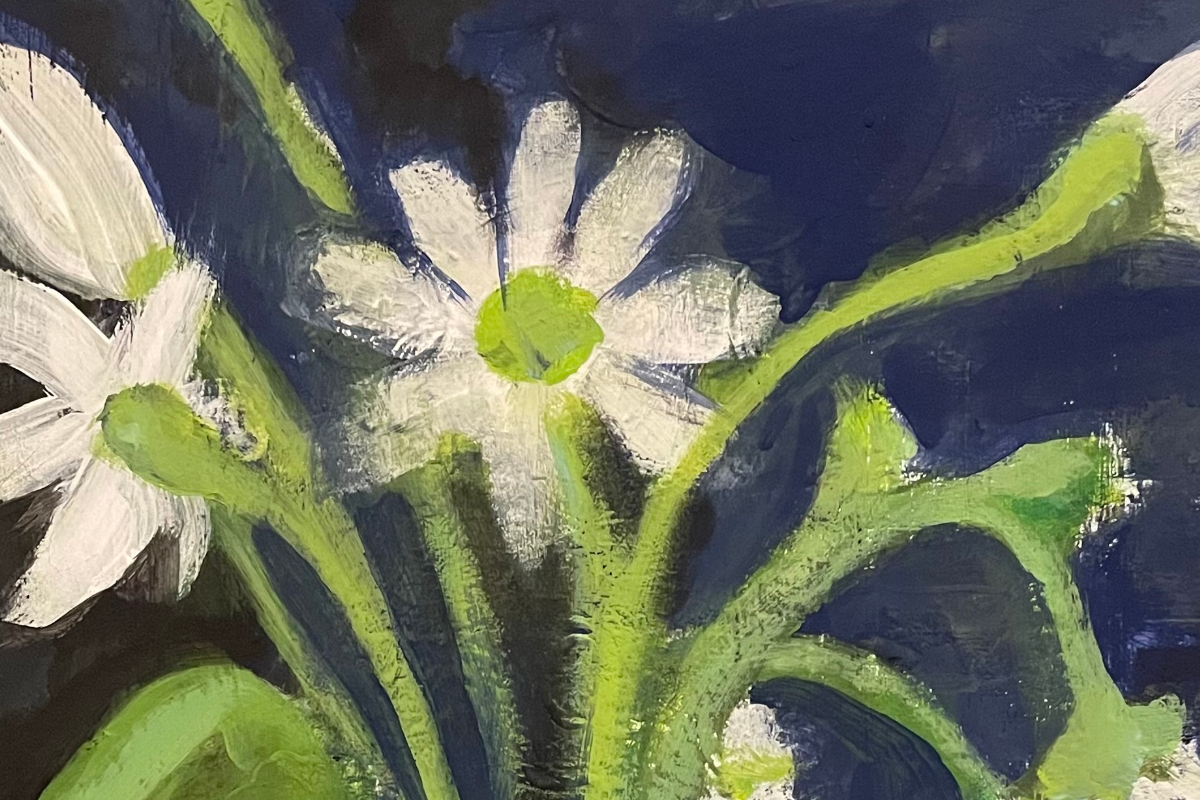
On the creative side, I’ve been painting an old hangout in Port Hope, Ontario. There’s something grounding about painting places that hold memory: familiar facades, certain lights, the feeling of being there at a specific moment in time. In some ways, it paints itself.

I’ve also made a quiet commitment to educate myself more deeply in art this year. Not just by doing, but by studying techniques, composition, colour, and process, and I want to understand them better. With the possibility of another show coming up this spring, it feels like the right time to sharpen the work, not rush it.

All of it (websites, logos, painting, learning) has felt connected this week. Different mediums, same goal: clarity, intention, and work that actually holds up over time.

As I head into the weekend, I’m feeling grateful for the mix. Strategy and creativity. Structure and curiosity. And the reminder that progress doesn’t always look loud. It often looks like asking better questions and giving yourself room to build properly.

Where Digital Marketing and Art Meet: This Week

Behind My Week in Digital Marketing and Art

Every week at K-Media has its own rhythm: part digital strategy, part paint-splattered studio time, part “figure it out as I go.” This week felt like all of that at once, but in a good way.

Art, Inspiration, and the Studio Chaos I Love

A lot of my energy went into painting again. I finished my oil painting class at the Saint John Art Centre and started a few acrylics, small paintings of some of my favourite vintage dresses.

Fella (my tiny, bossy Shih Tzu) has decided he’s the studio manager now. Every morning he has opinions about whether I should paint, redesign a website, or simply move around the room to entertain him. Somehow, this actually helps.

Website Work: Making K-Media Feel Like Me

This week, I spent a ton of time tightening up my website, simplifying the homepage, refining the copy, adjusting WooCommerce layouts, fixing blog headers, and cleaning up CSS so everything finally behaves.

I do this, it seems, about once a year. 

Google My Business, SEO, and a New Download

I brought my K-Media Google My Business listing back to life after a long break. That meant sorting out my service area, choosing a warmer background, updating my cover photo, and rewriting my bio.

I also released a new NB-centric digital download: a Google My Business Guide for Small Businesses in New Brunswick. Clean, simple, and practical.

Experience New Brunswick: Always Growing, Always Tweaking

Experience NB is never far from my mind.

This week I:

  • worked on staycation-themed blog ideas
  • Sourced artists to profile in 2026
  • continued planning how to move from 10k monthly users toward 25k+

It’s a lot, but it’s the work that lights me up.

Snackable Mental Health

I also spent time helping Brandon W. Hahn with his CEO updates, his website, and a growing list of topics for free or low-cost community workshops he wants to roll out in Northumberland County.

Snackable Mental Health is slowly becoming its own little ecosystem, and watching it take shape is exciting.

Personal Notes: Routines, Goals, and Quiet Wins

I’m working on building more structure into my days, like earlier mornings with a book, focused work blocks for K-Media and Experience NB, and an afternoon window reserved (in theory) for the treadmill.

Some days I hit everything. Some days I don’t. But I keep going.

And honestly? That counts.

Heading Into the Weekend

As I’m finishing this post, I’m just about to head uptown Saint John for some Christmas shopping, a little break before the next round of painting, writing, SEO fixes, and everything else that makes this strange mix of work feel like mine.

Here’s to another week of building things, trying things, and making New Brunswick a little more visible in the world – one blog, brushstroke, and website tweak at a time.

Logo Design in Saint John: A Look at the Trends

Shaping the future

The landscape of logo design in Saint John is rapidly evolving. K-Media, a prominent player in Saint John’s design scene, recently shed light on what the future holds for logo design in this vibrant city. This blog delves into these forward-thinking predictions, providing a roadmap for what businesses and designers in Saint John can anticipate in the realm of logo design.


The Rise of Minimalism in Logo Design

Minimalism has become a dominant force in logo design globally, and New Brunswick is no exception. K-Media predicts that logo design in Saint John will continue to embrace a more minimalistic approach. Expect to see logos that are more streamlined, with a focus on simplicity and versatility, especially for digital applications.


Bold Typography: A New Era 

Alongside minimalism, there’s a growing emphasis on bold typography in local logo design. K-Media envisions a future where unique, impactful fonts become a staple in logo design in Saint John. These custom fonts will help local brands carve out distinct identities in a crowded market. Dynamic Logos:


The Next Big Thing 

Static logos are becoming a thing of the past. The trend in logo design is moving towards dynamic logos – adaptable, flexible designs that can change according to their use. K-Media anticipates these logos will become increasingly popular, offering interactive and versatile branding solutions. Sustainability:


A Core Consideration 

Sustainability is becoming a key factor in logo design. K-Media suggests that future logos will not only incorporate eco-friendly themes but will also be created with sustainable practices. This reflects a broader commitment to environmental responsibility within the Saint John design community.


Storytelling through Logo Design

Logos are evolving into narrative tools. K-Media predicts that logo design will increasingly focus on storytelling, with designs that reflect a brand’s history, values, and mission. This trend is about creating logos that forge a deeper connection with their audience.


The Return of Gradients 


Gradients are making a strong comeback in the world of logos, and Saint John is no exception. K-Media foresees a future where gradients add depth and modernity to logos, making them more visually appealing and engaging.


Authenticity

in Logo Design in Saint John In our digital age, authenticity is becoming increasingly important in logo design in Saint John. Brands are expected to shift towards more genuine, relatable logo designs, moving away from overly polished and artificial looks.


Animated Logos: A Dynamic Trend

Lastly, K-Media highlights the growing trend of animated logos in Saint John’s design landscape. As digital platforms evolve, so does the potential for animated logos, offering a dynamic and unique way to express a brand’s character.


K-Media’s insights offer an exciting glimpse into the future of logo design. We can anticipate a shift towards designs that are not just visually striking but also deeply integrated with brand storytelling and digital innovation. The future of logo design in Saint John is about creating distinctive, adaptable, and meaningful visual identities that resonate with evolving audiences and technological advancements.


YOU MAY ALSO LIKE: Opting For A Logo Designer Near Me Vs. Free Online Logo Maker

Craft Visually Appealing Newsletters with a Newsletter Maker

Essential DIY Design Tips

In today’s digital age, newsletters are a vital communication tool for businesses, organizations, and even individuals looking to share their stories. With the advent of user-friendly newsletter makers, creating a professional and engaging newsletter has never been easier. In this blog, we’ll explore some essential DIY newsletter design tips, guiding you through the process of designing your newsletter from scratch using a newsletter maker.


Understanding the Basics: Before diving into the design, it’s important to understand the purpose of your newsletter. Is it to inform, promote, or engage your audience? This purpose will guide your design choices, from the layout to the imagery.


1. Choosing the Right Layout

The layout is the backbone of your newsletter. Most newsletter makers offer a variety of templates to get you started. When designing from scratch, consider a clean, easy-to-navigate layout. Columns are popular as they help organize content clearly. For informational newsletters, a single column might work best, while for more content-heavy newsletters, a multi-column layout can be effective.


2. Selecting a Colour Scheme

Colors play a crucial role in how your newsletter is perceived. Choose a color scheme that reflects your brand or the mood of your content. Use contrasting colors for text and background to ensure readability. A good newsletter maker typically offers a color palette tool to help you pick harmonized colors.


3. Picking the Right Fonts

Fonts convey the tone of your message. Use a maximum of two to three fonts: one for your headers, one for sub-headers, and another for body text. Ensure they are legible and web-friendly. Most newsletter makers provide a range of fonts to choose from.


4. Incorporating Imagery

Images can break the monotony of text and add a visual appeal to your newsletter. Use high-quality, relevant images. If you’re not a photographer, many newsletter makers are integrated with stock photo libraries from where you can choose suitable images.


5. Consistency is Key

Keep your design consistent across all issues. This includes your color scheme, font styles, and the overall layout. Consistency helps in building a brand identity and makes your newsletter instantly recognizable.


6. Mobile Responsiveness

With most users accessing emails on their phones, ensure your newsletter design is mobile-responsive. A good newsletter maker automatically adjusts your design for different screen sizes, but it’s always good to preview and test on multiple devices.


7. Testing and Feedback

Before finalizing your newsletter, test it. Send it to yourself and a few others to get feedback. Check for any design issues, and use this feedback to improve your next edition.


Designing a newsletter doesn’t have to be daunting. With a reliable newsletter maker, the process becomes seamless and enjoyable. Remember, the best newsletters are those that are not only informative but also visually appealing and easy to read. Use these tips to craft newsletters that captivate and engage your audience effectively. Happy designing.


YOU MAY ALSO LIKE: Boost Your Business With A Leading Email Marketing Agency

Pricing Strategies for Freelance Web Developer Services

Decoding the Costs

Understanding the pricing strategies of a freelance web developer is crucial for clients who are seeking to engage their services. This insight not only helps in budget planning but also in appreciating the value offered by these skilled professionals. In this article, we will explore how freelance web developers set their prices, ensuring they are both competitive and profitable.


1. Market Rates and How They Influence Pricing

A freelance web developer typically starts by researching the current market rates. These rates vary based on factors such as the developer’s experience, the complexity of the project, and the geographic location. As a client, it’s helpful to have a basic understanding of these market rates. This knowledge will allow you to set realistic expectations regarding the cost of your project.


2. Experience Counts

The level of experience a freelance web developer brings to the table is a significant factor in pricing. A more experienced developer might charge more, but they also bring a wealth of knowledge, potentially reducing the time and resources needed to complete your project effectively. When considering a developer, weigh their experience against the complexity of your project.


3. Project Complexity and Scope

The nature and scope of your project play a critical role in pricing. A straightforward website will cost less than a complex e-commerce platform with custom features. Freelance web developers evaluate the technical requirements, the time commitment, and the level of expertise needed to deliver a project successfully. As a client, providing a clear and detailed project brief can help the developer give a more accurate quote.


4. Value-Based Pricing: Beyond Just Time and Materials

Many freelance web developers are moving towards value-based pricing. This approach involves pricing services based on the value or return on investment the client will receive, rather than just the time spent on the project. For instance, if a new website is expected to significantly increase your sales, a freelancer may price their services higher, reflecting the potential value it brings to your business.


5. Negotiating with a Freelance Web Developer

Negotiation is a natural part of the pricing process. However, it’s important to approach this with respect for the developer’s expertise and time. Good negotiation can lead to a fair price that reflects the value of the service and respects the developer’s skills and experience. As a client, be open about your budget constraints and specific needs, and seek a compromise that satisfies both parties.


6. Understanding Additional Costs

Be aware that additional costs may arise during the development process. These can include things like purchasing third-party services, hosting fees, or extra revisions. A transparent freelance web developer will communicate these potential costs upfront or as soon as they arise.


7. The Importance of a Clear Contract

Finally, a clear contract that outlines the scope of work, pricing, timelines, and payment terms is essential. This not only protects you as a client but also ensures the freelance web developer is clear about what is expected from them.


When hiring a freelance web developer, understanding their pricing strategy is key to a successful partnership. Remember, you’re not just paying for the time it takes to build a website; you’re investing in a professional’s expertise, experience, and the potential growth it can bring to your business. By appreciating the factors that go into setting these prices, clients can make informed decisions and establish mutually beneficial relationships with their developers.


YOU MAY ALSO LIKE: Maximize Your Shopify Store With A Web Designer

Common Shopify SEO Mistakes and How to Avoid Them

Steering Clear of SEO Slip-Ups

In the digital era, having an online store on platforms like Shopify is a powerful way to reach customers. However, simply setting up a shop isn’t enough. Search Engine Optimization (SEO) plays a crucial role in attracting potential buyers to your site. Unfortunately, many Shopify store owners make common SEO mistakes that can significantly impact their online visibility and sales. This blog post will discuss these pitfalls and how to avoid them, ensuring your Shopify store is fully optimized for search engines.


1. Ignoring Basic SEO Setup

One of the most common mistakes is not paying attention to the basic Shopify SEO setup of the store. This includes optimizing title tags, meta descriptions, and URLs for your main page, product pages, and categories. These elements help search engines understand your website’s content and rank it accordingly. How to Avoid:

  • Ensure each page has a unique and descriptive title and meta description. 
  • Use clear and readable URLs that include relevant keywords.


2. Poor Keyword Research

Keywords are the cornerstone of SEO. Choosing the wrong keywords can lead your SEO strategy astray from the start. How to Avoid:

  • Conduct thorough keyword research to find terms your potential customers are searching for. 
  • Use tools like Google Keyword Planner or SEMrush for insights on search volume and competition.


3. Duplicate Content Issues

Shopify stores often have duplicate content due to the similarity of product descriptions, especially if they are provided by manufacturers. How to Avoid:

  • Write unique product descriptions for each item. 
  • Use canonical tags to tell search engines which page is the “master” copy.


4. Neglecting Mobile Optimization

With an increasing number of consumers shopping on mobile devices, overlooking mobile optimization can be detrimental. How to Avoid:

  • Ensure your Shopify theme is responsive and mobile-friendly. 
  • Test your site’s mobile usability using tools like Google’s Mobile-Friendly Test.


5. Forgetting about Image Optimization

Large, unoptimized images can slow down your site, negatively impacting user experience and Shopify SEO. How to Avoid:

  • Compress images without losing quality.

  • Use descriptive file names and alt tags for images.


6. Not Utilizing Blogging

A blog can be a powerful tool to add fresh content to your site, which is favorable for SEO. How to Avoid:

  • Start a blog related to your products or industry.

  • Regularly post quality, original content that includes your targeted keywords.


7. Overlooking Site Speed

A slow-loading website can hurt your SEO rankings and increase customer bounce rates. How to Avoid:

  • Regularly check your site speed using tools like Google PageSpeed Insights.

  • Optimize site speed by reducing file sizes, minimizing redirects, and using a reliable hosting service.


8. Ignoring Analytics


Not monitoring your site’s performance is a missed opportunity for optimization. How to Avoid:

  • Use tools like Google Analytics to track your website’s traffic and user behavior.

  • Regularly review and adjust your SEO strategy based on these insights.


Shopify SEO is an ongoing process, and avoiding these common pitfalls is crucial for the success of your Shopify store. By implementing these strategies, you can improve your site’s visibility, attract more traffic, and ultimately increase sales. Remember, SEO takes time and patience, but the long-term benefits are worth the investment.


YOU MAY ALSO LIKE: Maximize Your Shopify Store With A Web Designer

Create an Engaging Marketing Video on a Budget

Low Budget, High Impact

In today’s digital age, video marketing is an essential tool for businesses looking to connect with their audience. However, many assume that creating a compelling marketing video requires a substantial budget. The truth is, with a little creativity and resourcefulness, you can produce an impactful marketing video without stretching your finances. Here’s how:


1. Define Your Goals and Know Your Audience

Start with a clear objective. What do you want your video to achieve? Who are you targeting? Understanding your goals and audience will help you craft a message that resonates and ensures your video does its job effectively.


2. Plan with a Script and Storyboard

Don’t underestimate the power of preparation. Draft a script and a storyboard. This could be as simple as a well-thought-out sequence of scenes jotted down. This step is crucial in minimizing costly reshoots and wasted time.


3. Embrace Affordable Equipment

High-quality videos no longer require high-end equipment. Modern smartphones are equipped with excellent video capabilities. Invest in a basic tripod for stability and you’re set for a professional-looking shoot.


4. Opt for Low-Cost Shooting Locations

Get creative with your locations. Utilize free spaces like your office, local parks, or any public area that suits your video’s theme. Remember, the right environment can add a lot of production value.


5. Maximize Natural Lighting

Good lighting can dramatically enhance the quality of your video. Where possible, shoot in natural light. It’s not just free; it often looks better than artificial lighting.


6. DIY Props and Wardrobe

You don’t need a Hollywood budget for props and costumes. Often, what you need is already at your disposal. Borrow, repurpose, or DIY to keep costs down.


7. Edit with Affordable Software

There’s a plethora of free or inexpensive video editing software out there. Options like DaVinci Resolve or Adobe Premiere Rush offer professional-grade tools at a fraction of the cost.


8. Utilize Free Resources

Enhance your video with free stock footage and music from sites like Pixabay or Free Music Archive. This can add a polished feel to your video without any additional expense.


9. Get Your Team Involved

Your team can be your greatest asset. They can contribute to various aspects of the video, from acting to behind-the-scenes work. This not only saves money but also adds a personal touch to your content.


10. Smart Promotion

Once your video is ready, leverage your existing channels for promotion. Utilize social media, your website, and email newsletters to reach your audience effectively and without extra cost.


11. Learn and Improve

Feedback is invaluable. Use it to refine your approach for future videos. Each video is a learning opportunity to do better next time, even with limited resources.


Remember, the effectiveness of a marketing video is not solely dependent on the budget. It’s about storytelling, authenticity, and connecting with your audience. With these tips, you can create an engaging and professional-looking marketing video that won’t break the bank. Let your creativity lead the way and watch your brand’s story come to life


YOU MAY ALSO LIKE: Elevate Your Brand With A New Brunswick Marketing Agency